Press Kit
Writing about Modus? Start here.
Facts, screenshots, device renders and the logo for Modus 6.3, free to use in your coverage.
On Google Drive: open the folder, or download all 36 files as a 67.3 MB zip.
About Modus
In one line
Modus is a manual camera app for iPhone, iPad and iPhone Duo that lets you set shutter speed, ISO, white balance and focus yourself, shoot RAW or ProRAW, and choose how much processing your photos get.
I built Modus because I wanted to get more out of the camera hardware already in my iPhone. The stock Camera app makes many of the decisions for you. Modus gives you control over how you capture your photos, and how much processing they get. Version 6.3 brings Modus to iPhone Duo, with a new camera design and a Lock Screen camera that saves straight to Photos.
“The iPhone has an incredibly capable camera, but the stock Camera app makes many of the decisions for you. Modus gives those decisions back to you.”
- App
- Modus, listed on the App Store as Pro Camera RAW: Modus ProCam
- Maker
- Ashutosh Billa, an indie developer in Hyderabad, India
- Developer
- Sarva Labs
- First released
- 22 June 2021, as ProCam
- Version
- 6.3
- Devices
- iPhone and iPad, and iPhone Duo from 6.3. With a Lock Screen camera, and a Control Center control on iOS 26 or later.
- Requires
- iOS 18 or later
- Languages
- 28: English and 27 more
- Rating
- 4.5 from 5,680 ratings worldwide, October 2026
New in 6.3. Made for iPhone Duo.
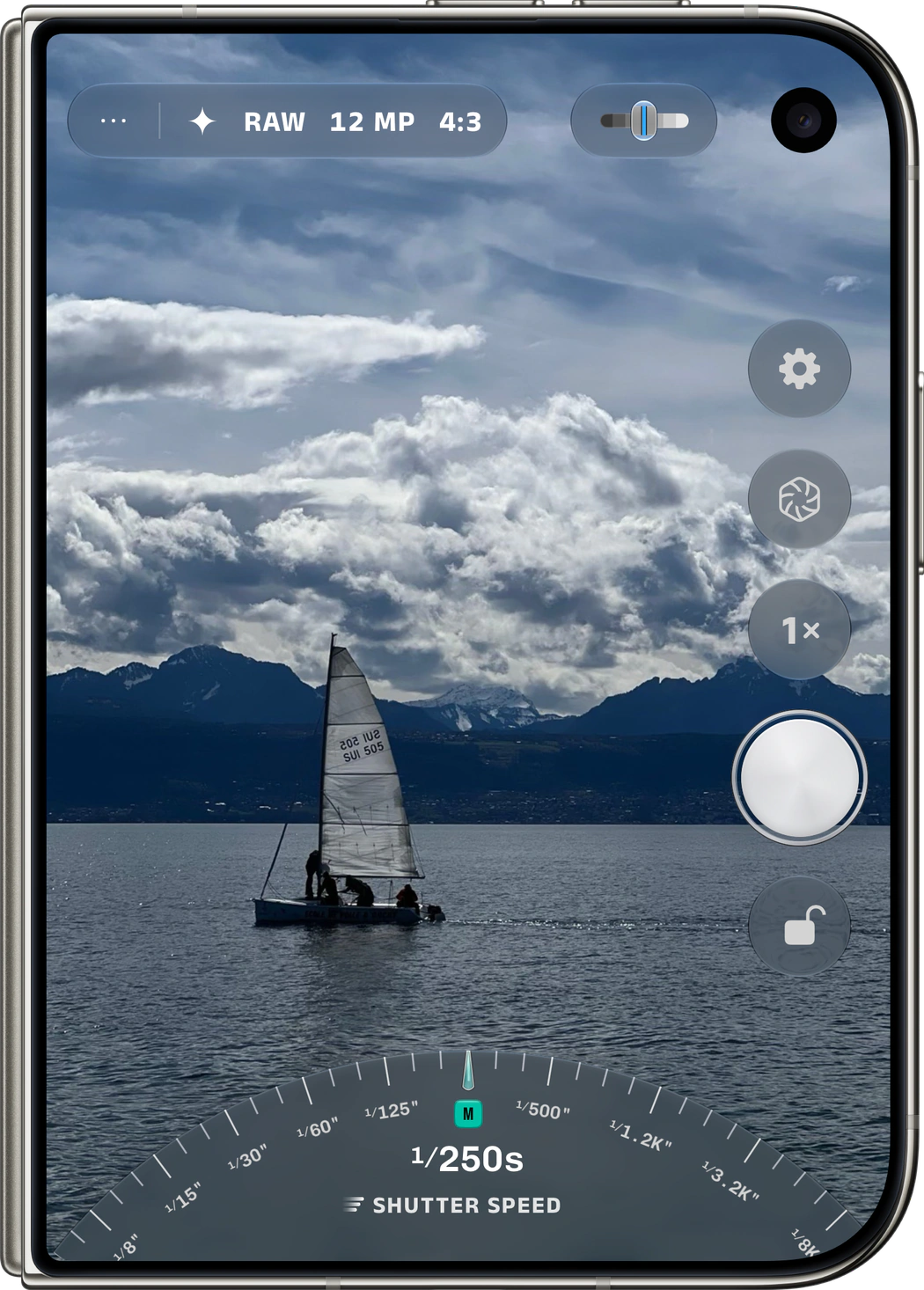
Folded, open, half-folded like a book or standing up: Modus lays itself out for each way you hold the Duo, and the viewfinder never sits on the crease.
A new camera design
New dials for every control, a top line with your format, resolution and exposure meter, and a lens list with each lens’s focal length and aperture.
Both front cameras
On iPhone Duo, Modus switches between the inner and outer front cameras itself, and only ever uses a real, physical camera.
Options that say why
When two settings can’t work together, Modus dims the one that’s out and says why, like “48 MP unavailable with RAW”.
Lock Screen to Photos
With Photos access, photos taken with the Lock Screen camera now save to your library right away.
Bracketing, redesigned
Three frames, with a bracket bar that sets each end in thirds of a stop, up to ±3 EV.
A new library
A redesigned photo info sheet, and an Export sheet for the edited photo, the original or the RAW file.
Settings and setup
Settings, redesigned to match the new camera, and a new setup with tips for iPad and iPhone Duo.
iPad, edge to edge
The picture fills the screen, with a Fit or Full switch, the controls down one edge and the capture buttons down the other.
Processing styles have clearer names: Natural, Balanced and Enhanced. Balanced and Enhanced used to be called Standard and Maximum.
Every file, full size.
Real screens from the app as lossless PNGs, in the same folders on Google Drive. Get everything in one zip, or open a folder for single files.
Brand
The files are in the 01 App icon and 02 Logo folders. Use the logo in one colour: white on dark, black (#15171A) on light, and keep half the mark’s height clear around it.
Open folder
App icon

Logo, white

Logo, black

Stacked logo, white

Stacked logo, black


Mark, white and black
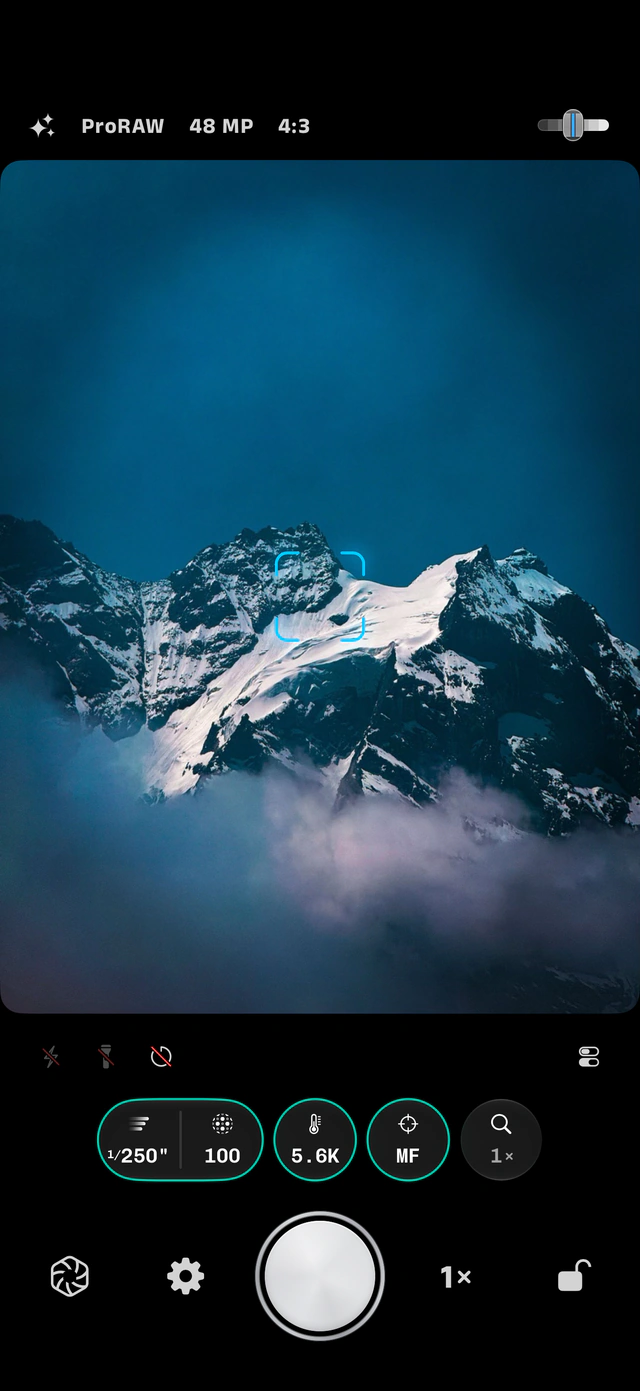
Manual camera
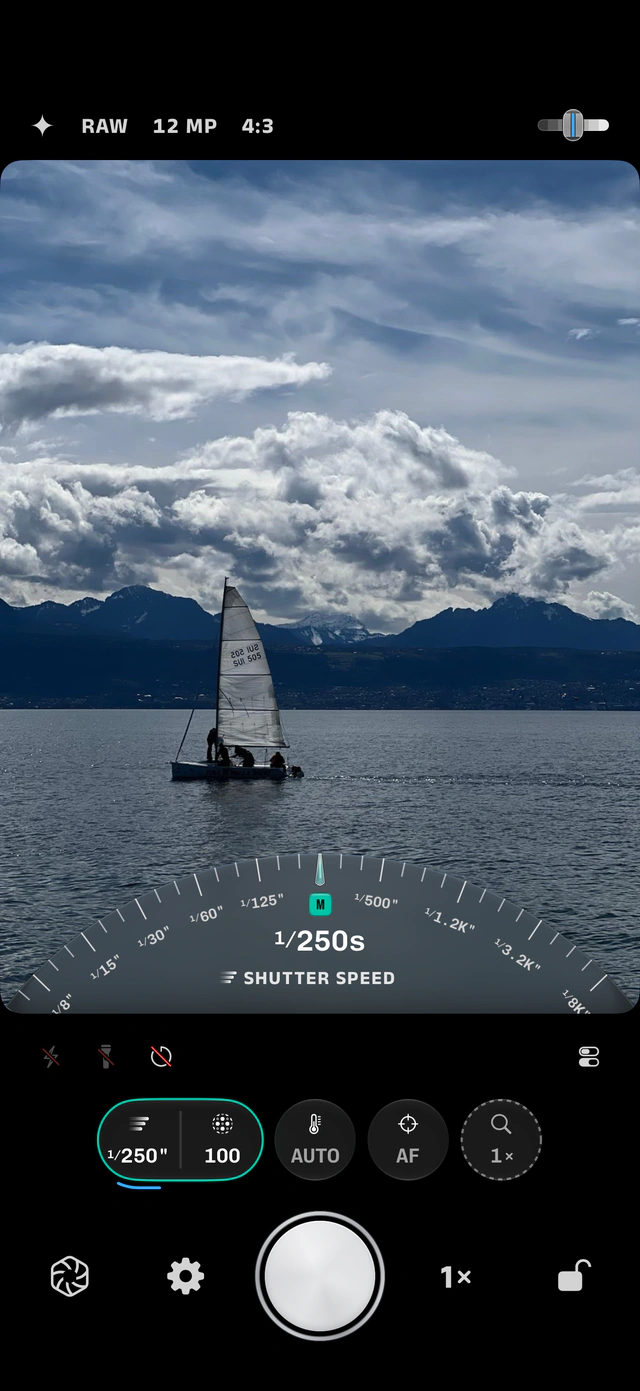
Shutter speed dial
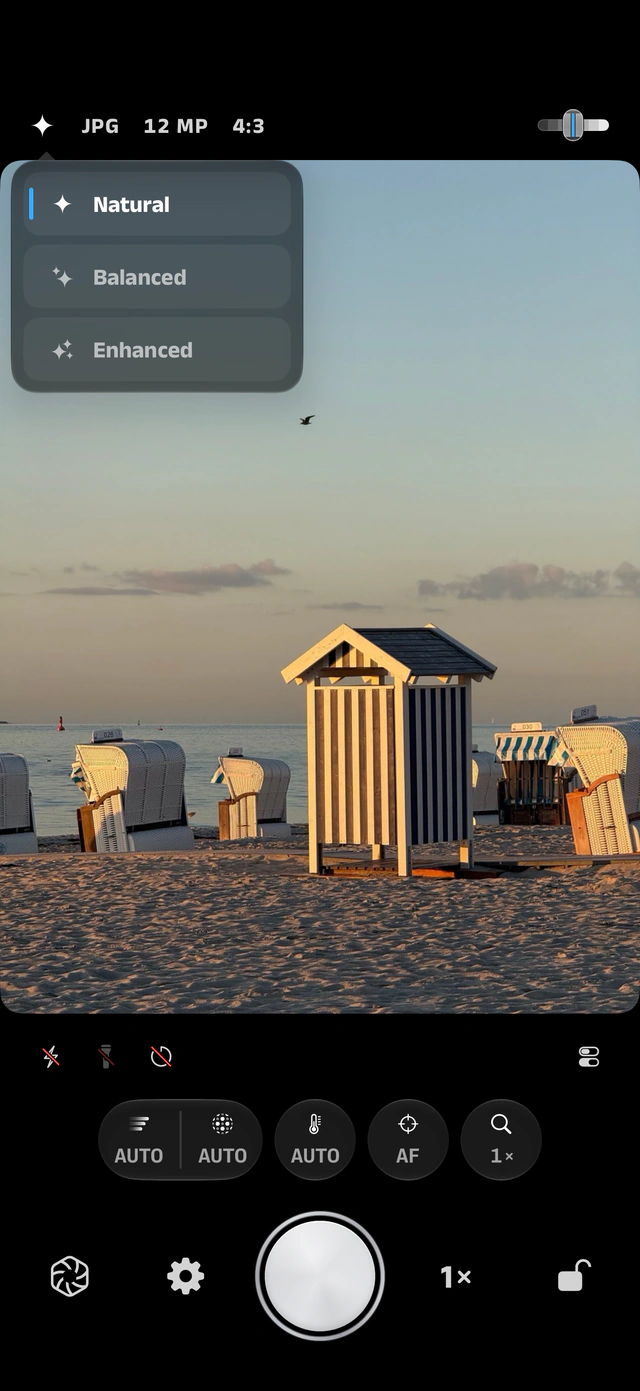
Processing style picker
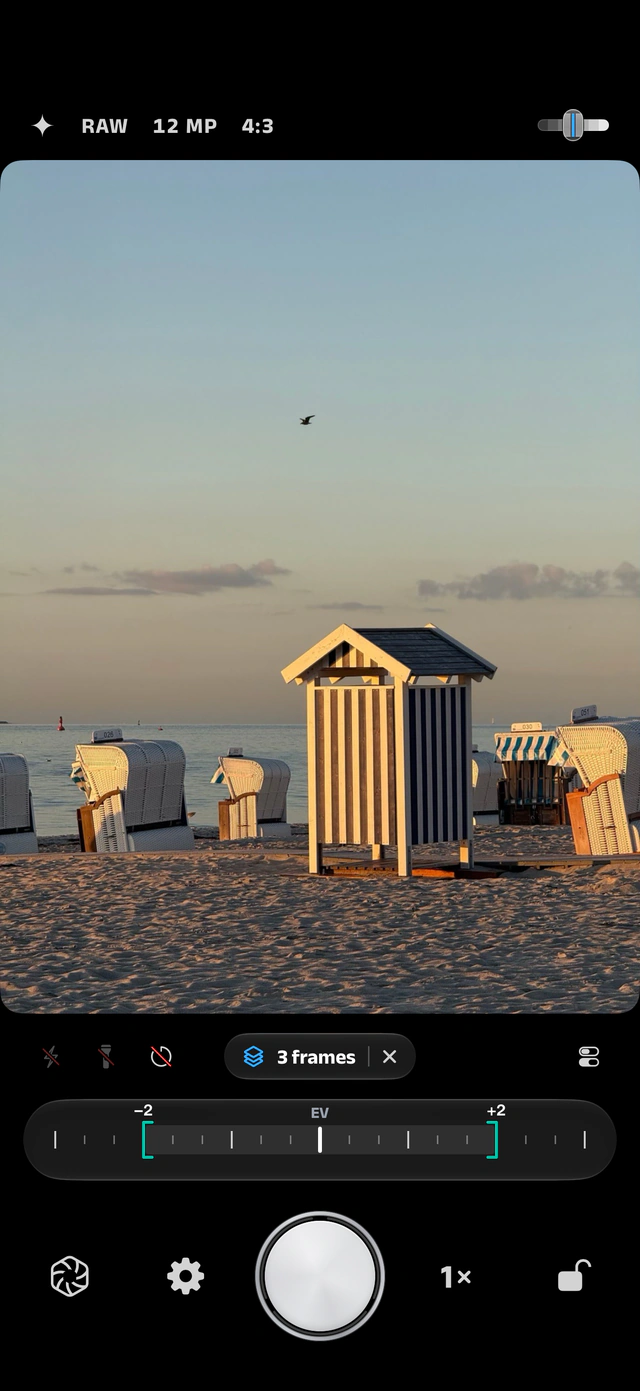
Exposure bracketing
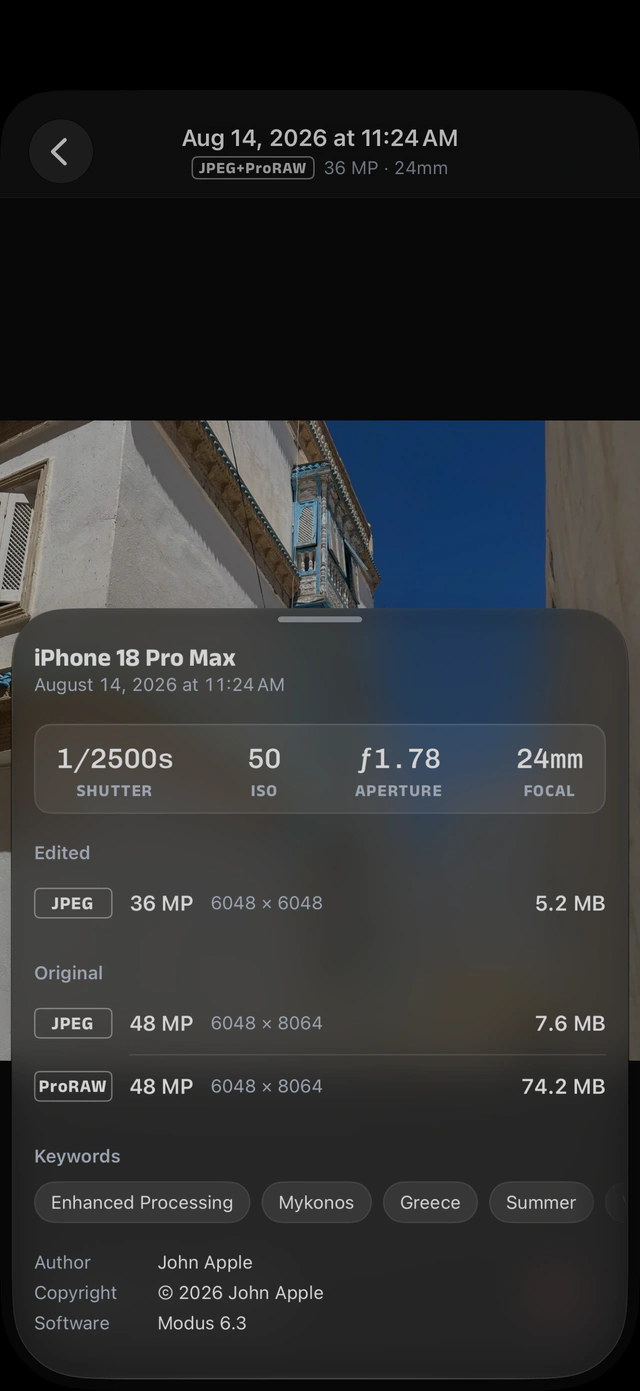
Photo info
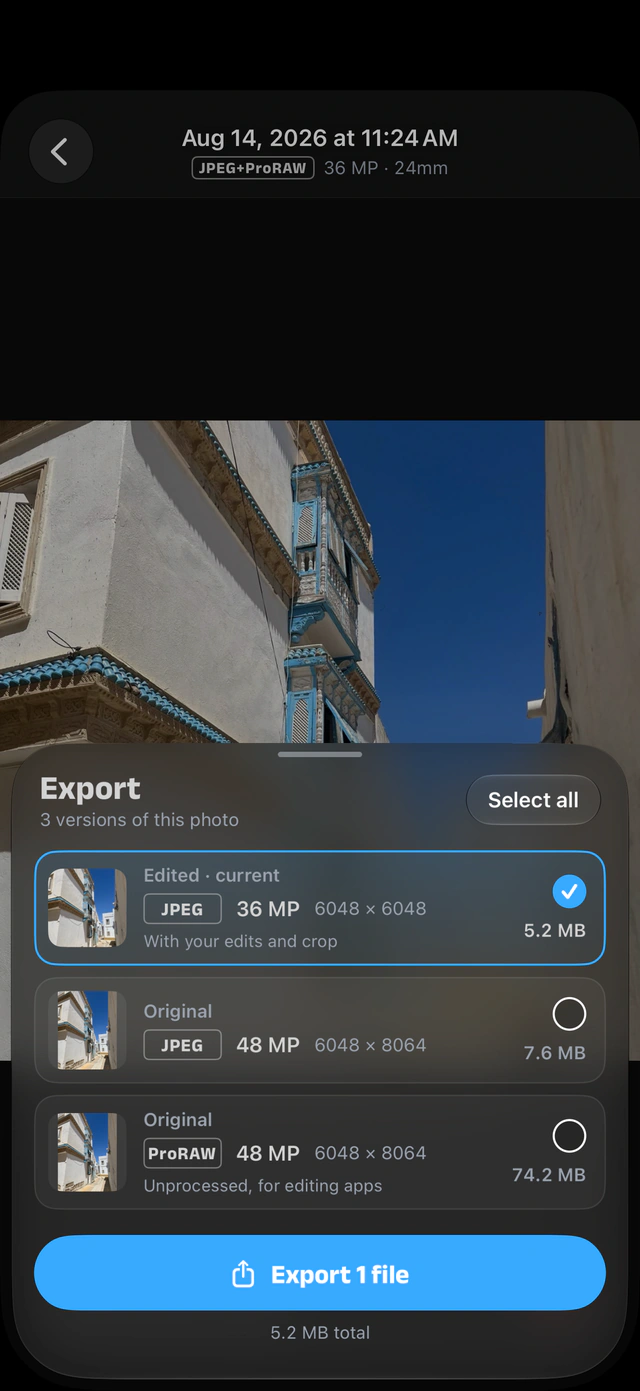
Export versions
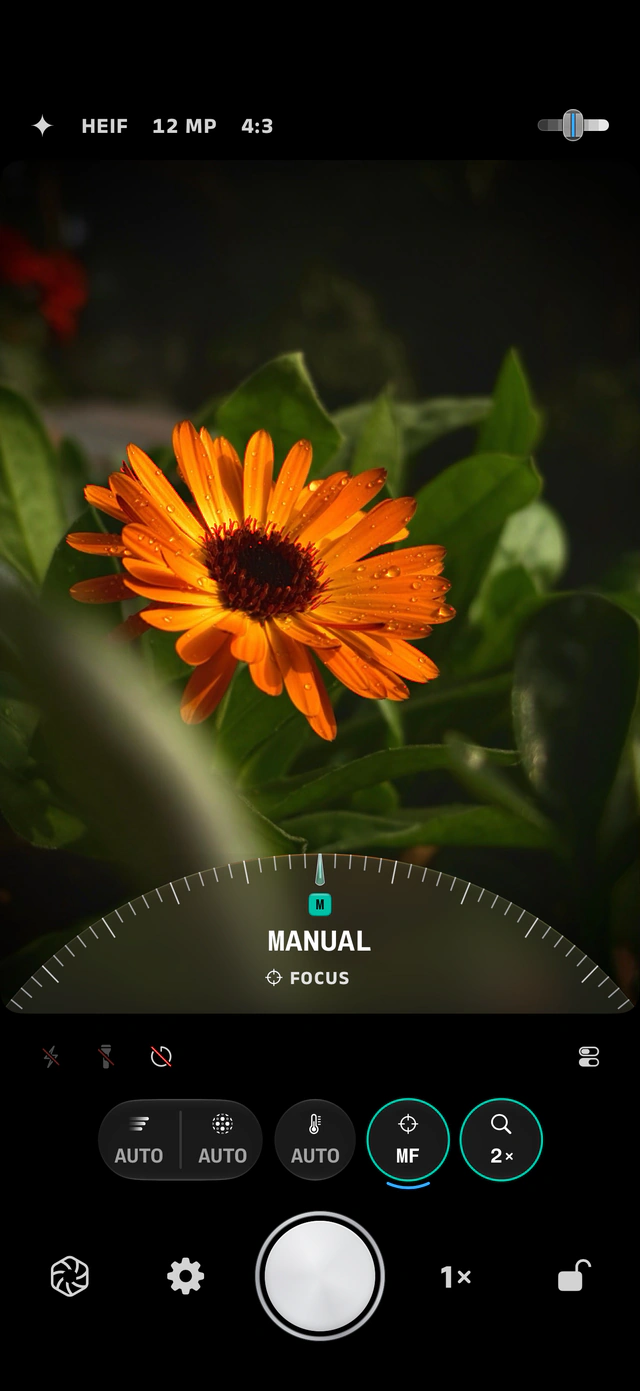
Manual focus with peaking
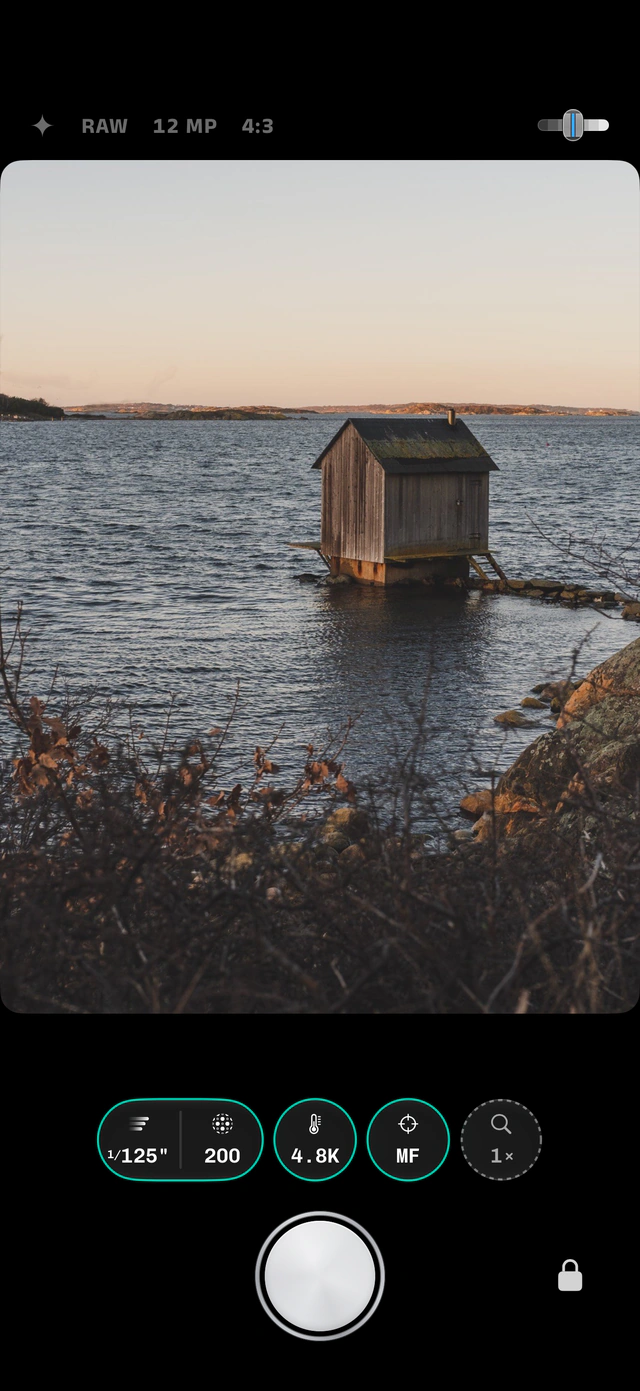
Locked controls
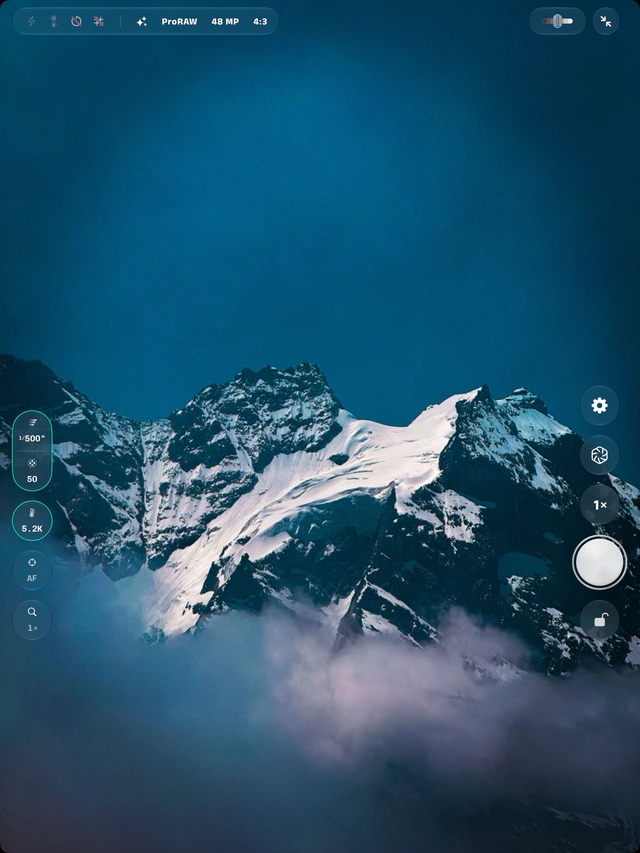
Camera
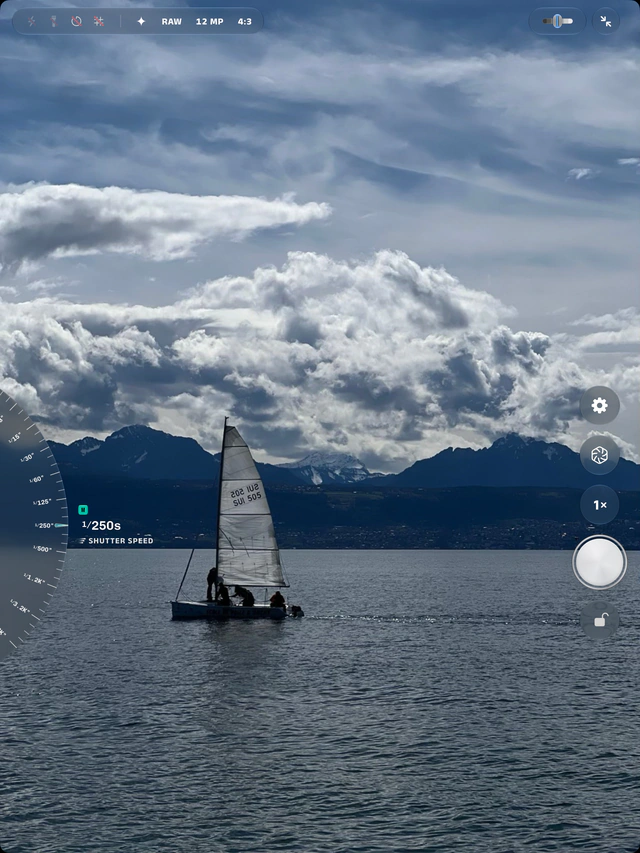
Shutter speed dial
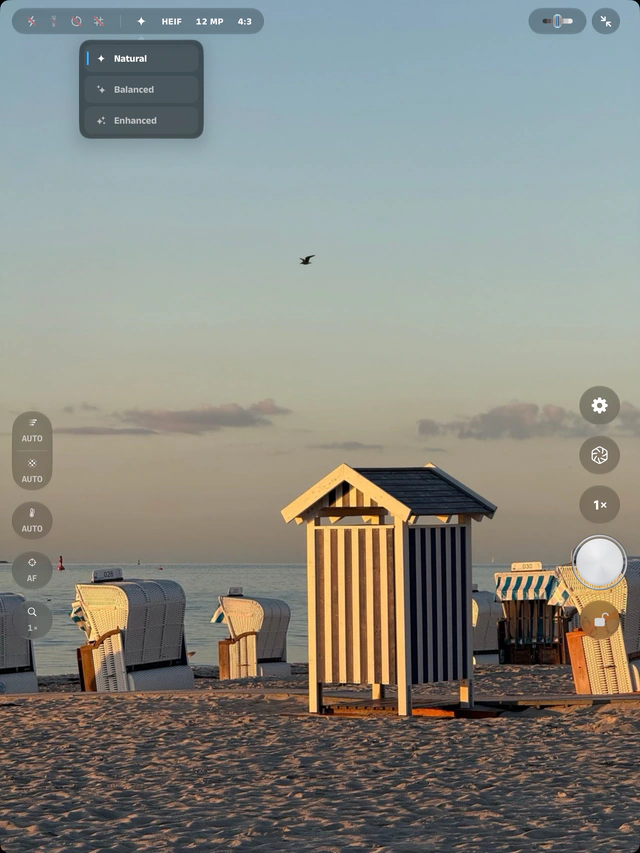
Processing style picker
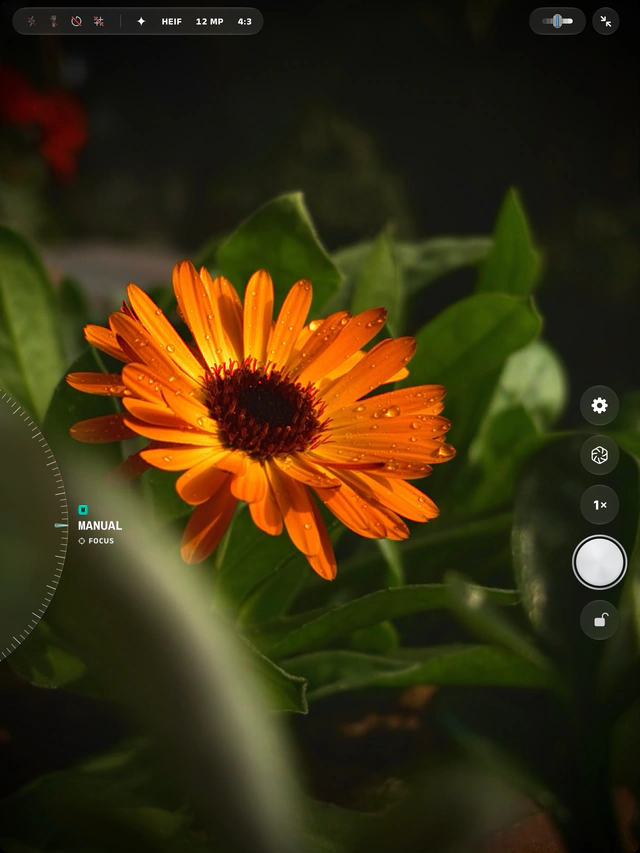
Manual focus
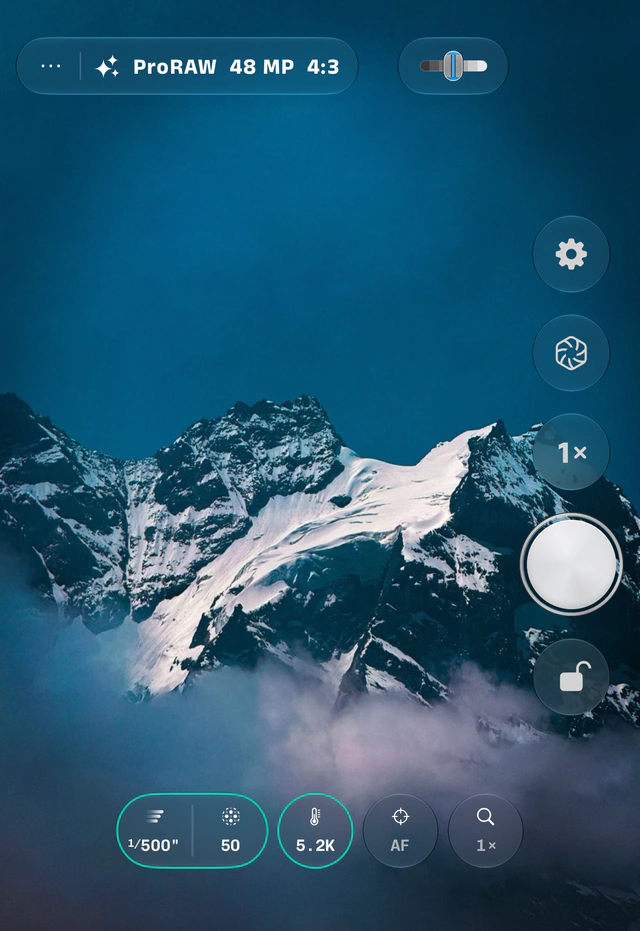
Folded, manual camera
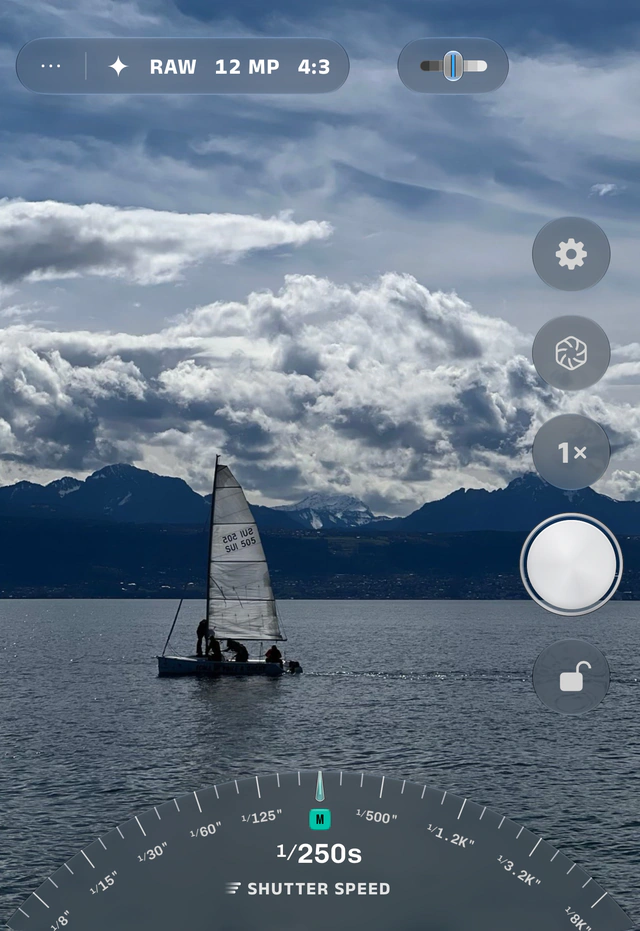
Folded, shutter speed dial
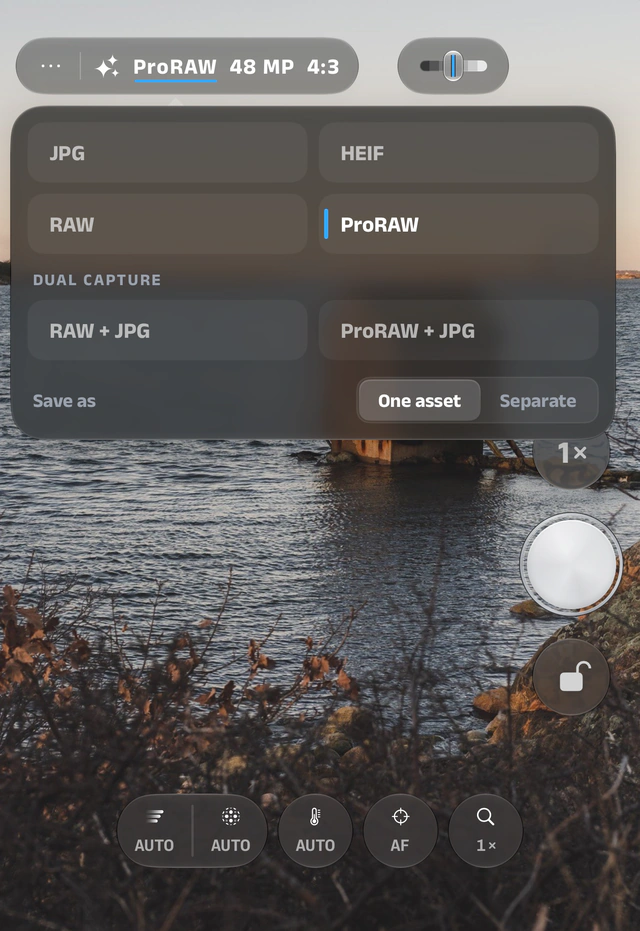
Folded, format picker
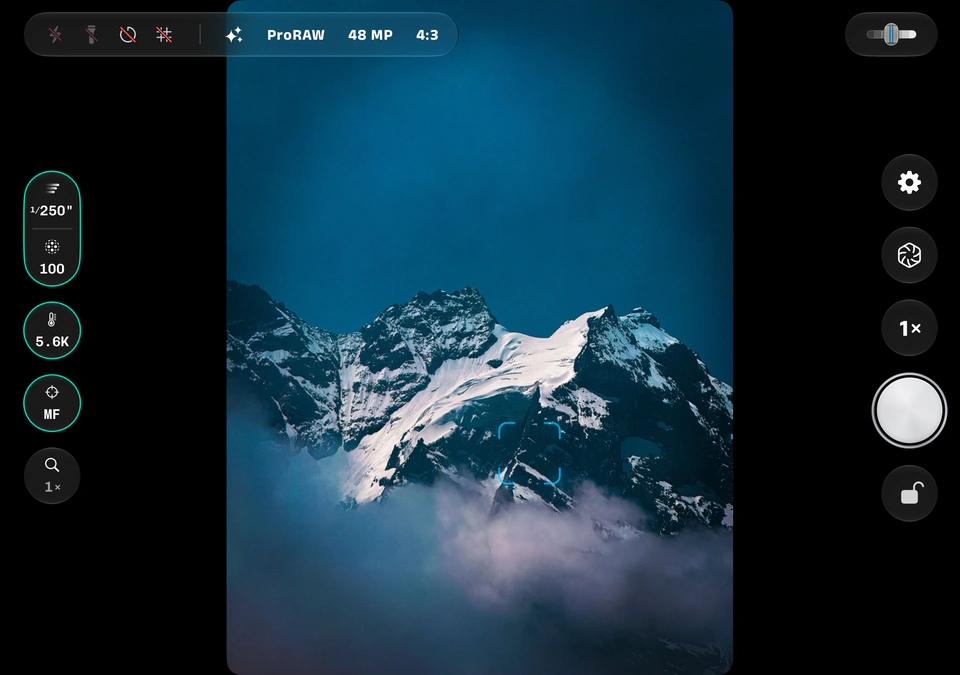
Open, manual camera
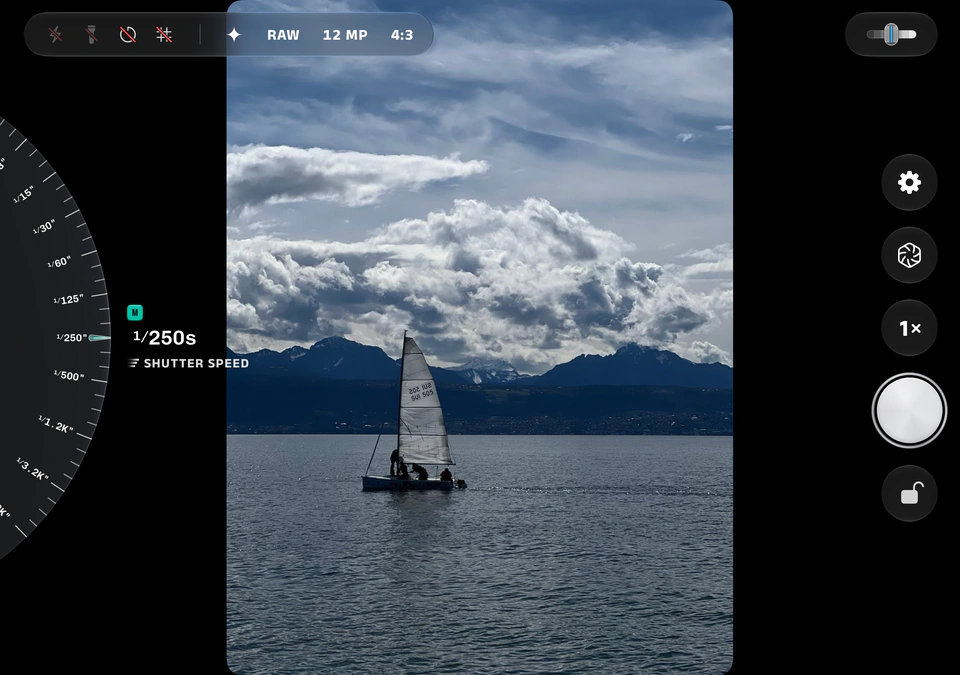
Open, shutter speed dial
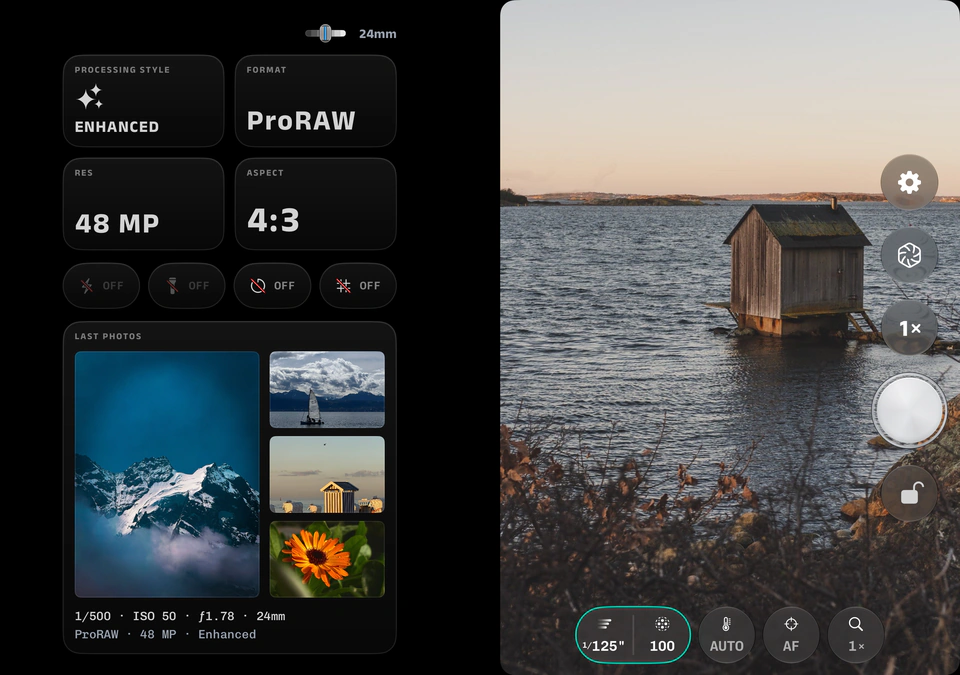
Half-folded, settings and last photos
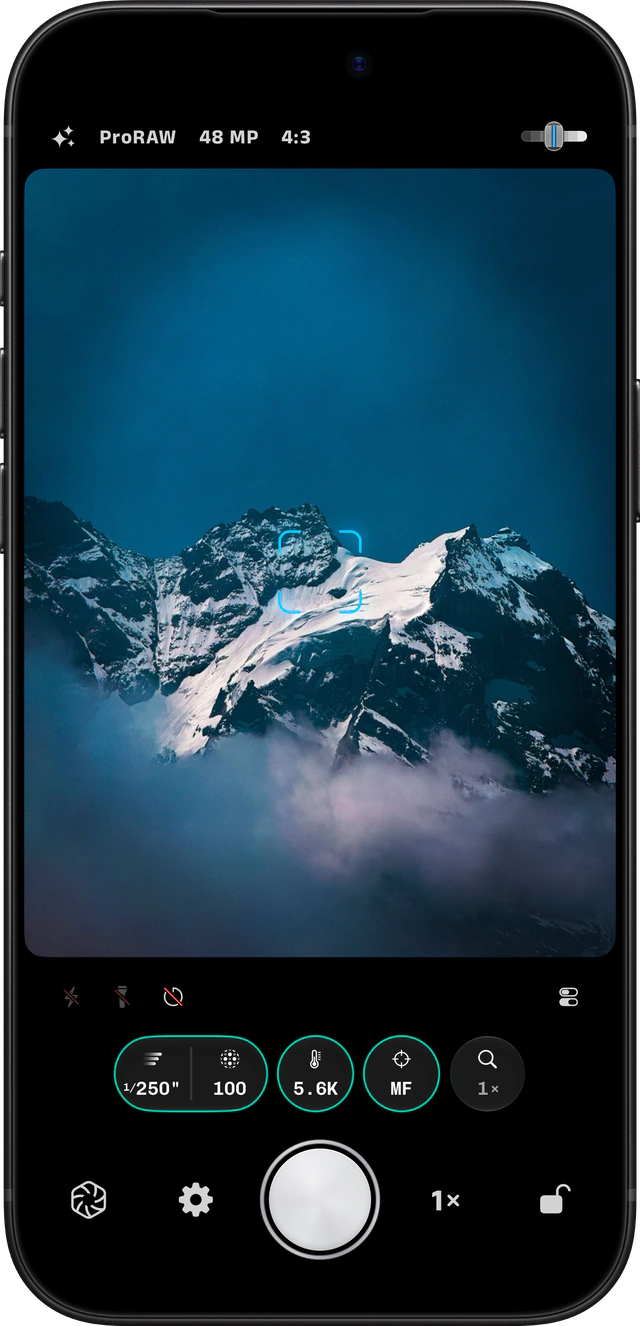
iPhone 18 Pro Max, Black
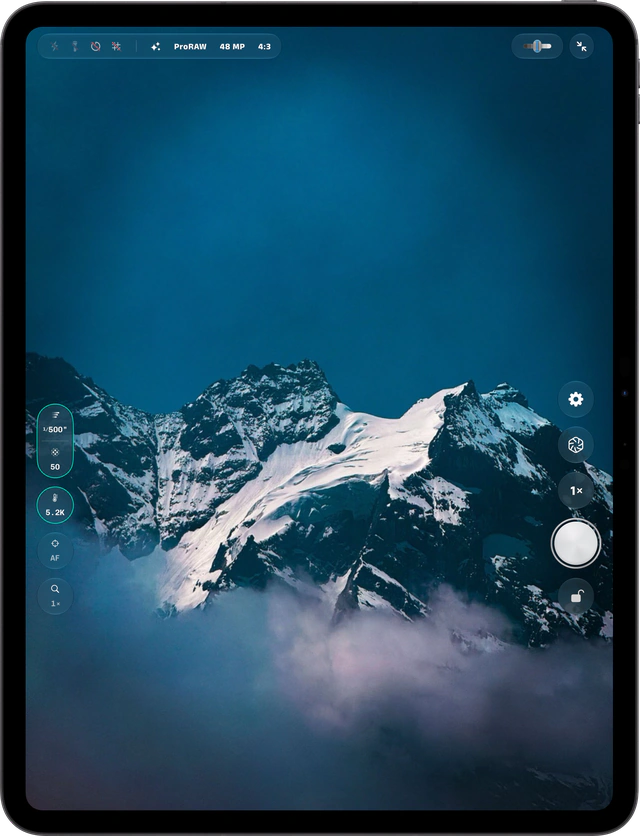
iPad Pro 13-inch, Space Black
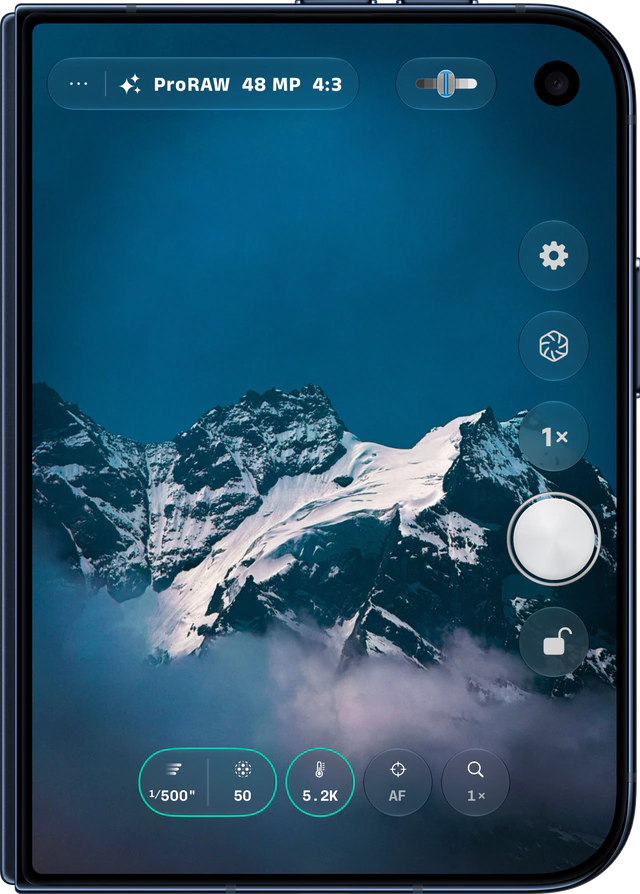
iPhone Duo folded, Night Sky
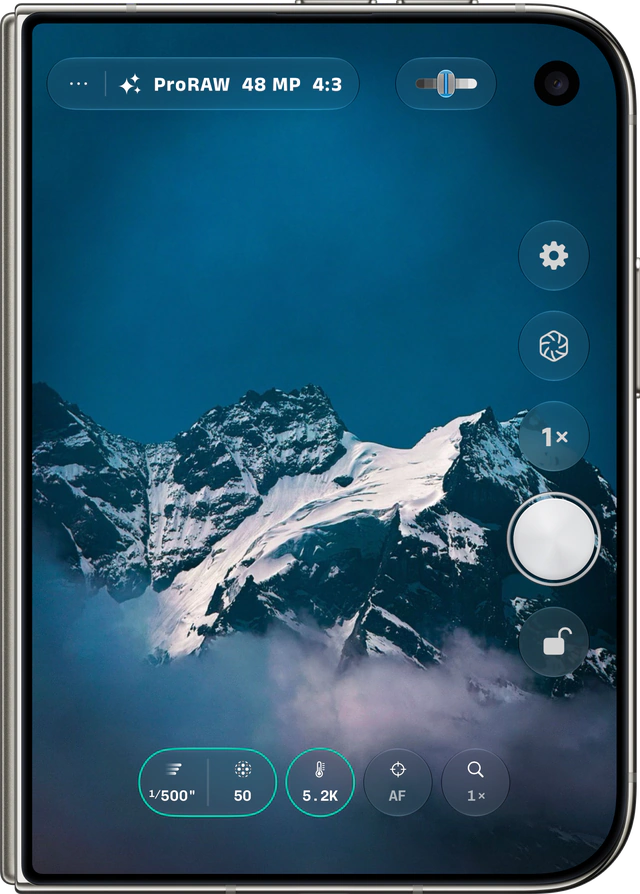
iPhone Duo folded, Star White
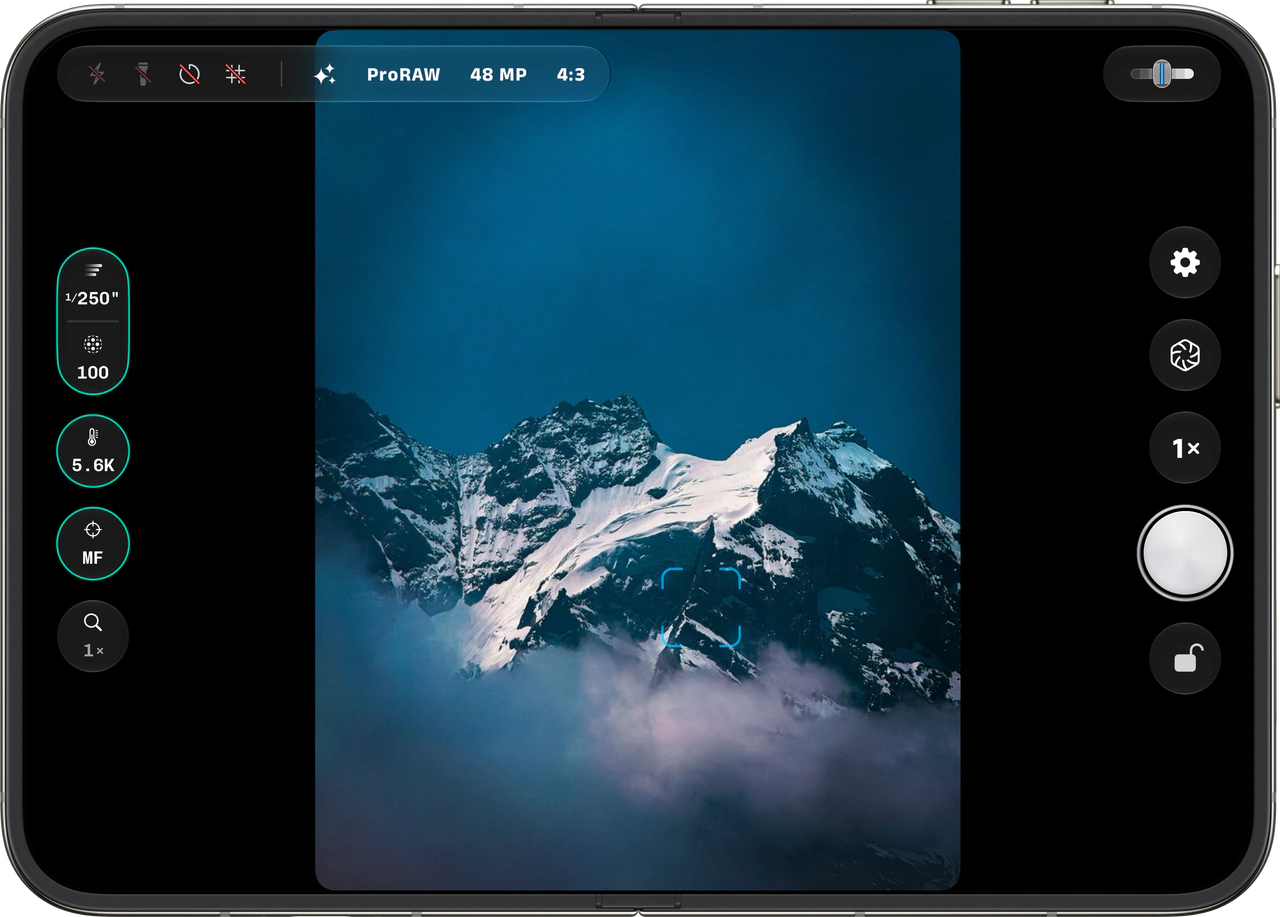
iPhone Duo open, Star White
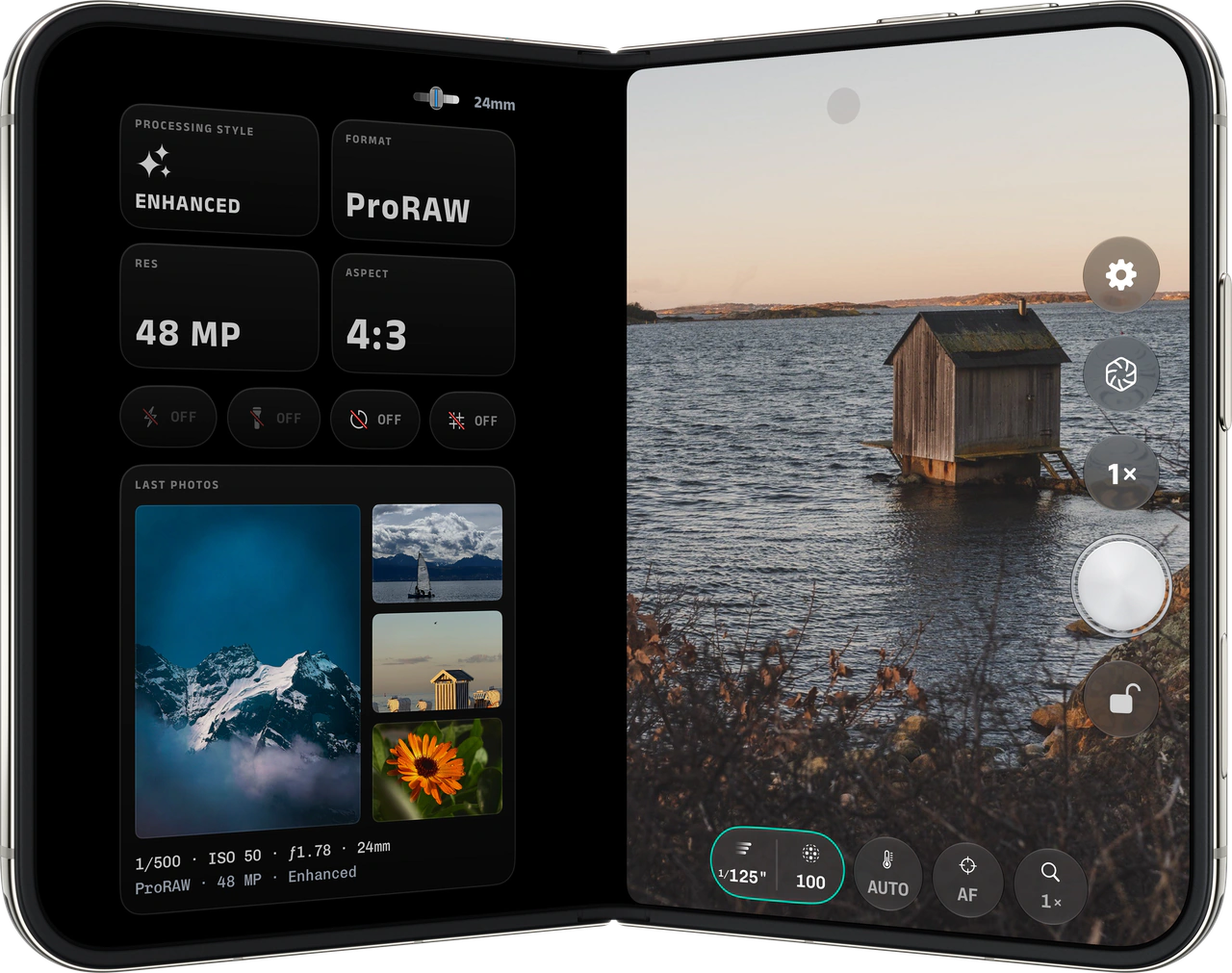
iPhone Duo half-folded, Star White
The device frames are Apple Design Resources, used under Apple’s license for showing apps: please use the renders only to show Modus, and keep each screen in its frame. The photos in the viewfinders are sample images, not photos taken with Modus.